Case study
Cafe Network
A website platform for Israeli cafés. Every café gets its own site with a live menu, opening hours, events, online ordering and a loyalty card, all running on one shared codebase.
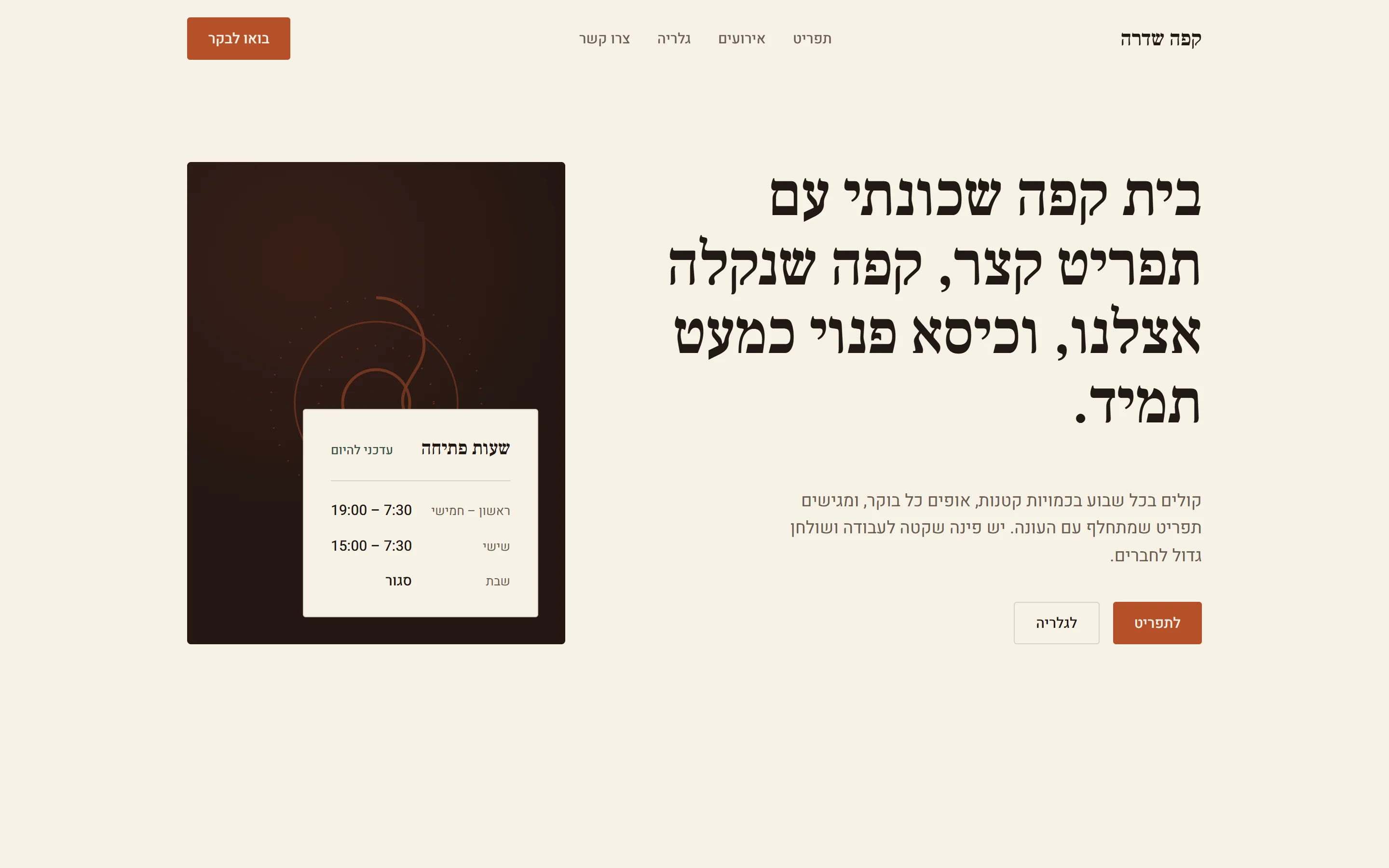
- Role
- Solo: design, code and infrastructure
- Built
- First version in 10 days
- Status
- Live demo, preparing for the first cafés
- Site language
- Hebrew, right to left
Why a platform
Most Israeli cafés either have no website or use a site builder. Those sites can look fine, but almost none meet the Israeli accessibility standard, IS 5568, and a site that fails it can be sued without anyone proving harm.
Building a separate site for each café wouldn't add up either: hosting and upkeep for every site would eat the price of building it. So I built one platform that runs every café's site. Adding a café means adding data, not copying code.
How it works
Each café gets its own address and design, but one Next.js app serves all of them. Every request is matched to a café, and the database only ever returns that café's rows. Postgres row-level security enforces this with 55 policies, and a test checks the isolation before every deploy.
Payments go through Cardcom, an Israeli payment provider that also issues the tax invoice. ImageKit stores and resizes photos. New orders reach the owner as a push notification and can print automatically in the kitchen.
- commits in 10 days
- 66
- row-level security policies
- 55
- database migrations
- 24
- pages per café site
- 16
- Café customersMenu, orders, RSVPs
- Café ownerDashboard, push alerts
- Next.js on VercelOne app, every café
- Supabase PostgresData walled off per café
- CardcomPayments and invoices
- ImageKitResized, fast photos
Accessible by design
Instead of checking accessibility at the end, the platform makes the common mistakes impossible. Menus can't be uploaded as images, because screen readers can't read them. Every photo needs a text description, required by the dashboard, checked again by the server and finally enforced by the database itself.
The public pages went through an automated accessibility and color-contrast sweep, a keyboard-only pass and a screen reader simulation. Each café's site publishes an accessibility statement that says exactly what was tested.
What's next
The demo café is live at cafe-network.com. Next come the first real cafés, and a full test with a real screen reader before they launch.
What it does
Online ordering
Order ahead for a set pickup time, paid by card through Cardcom, with a tax invoice issued automatically.
Order from the table
Each table has a QR code that opens the menu already tied to that table.
Loyalty punch card
Customers earn by phone number online or at the till, and redeem either way.
Events and RSVP
Owners publish events, guests register, and the list exports to CSV.
Kitchen tickets
New orders print automatically and trigger a push notification to the owner's phone.
Owner dashboard
Menu, prices, allergens, hours and an ordering pause switch, with magic-link sign-in.
Built with
- Next.js 16
- React 19
- TypeScript
- Supabase
- Postgres RLS
- Cardcom
- ImageKit
- Web Push
- Vercel
Gallery
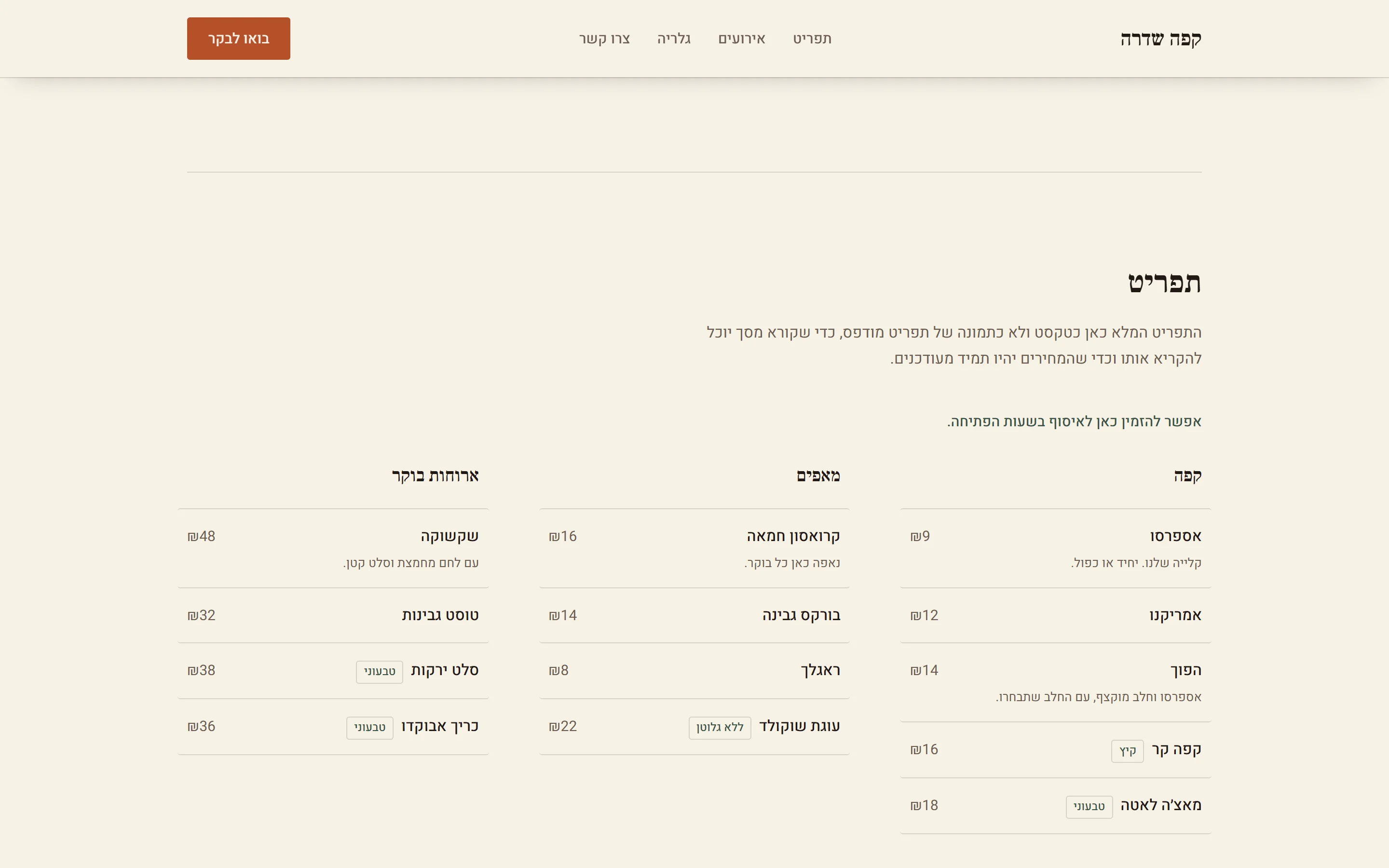
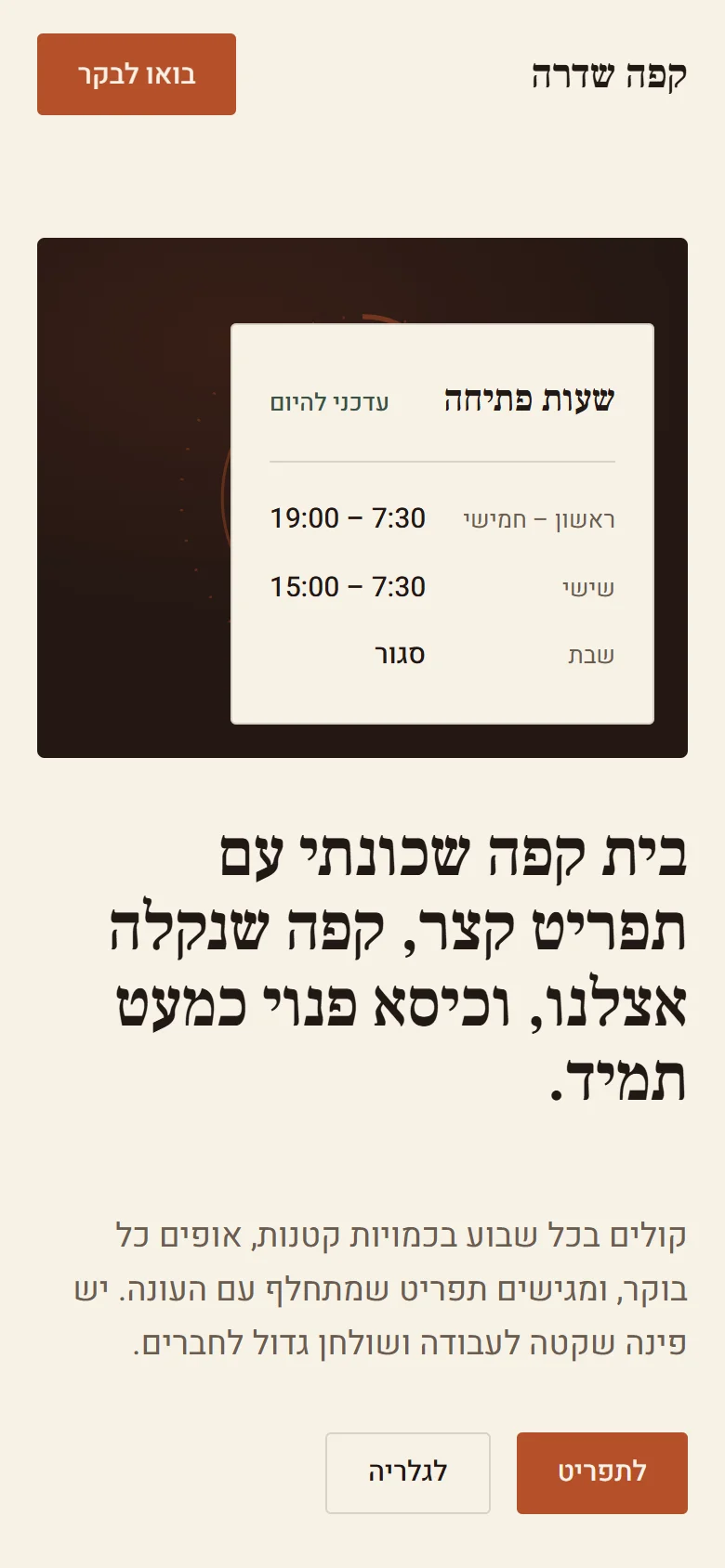
Next project
Booking System
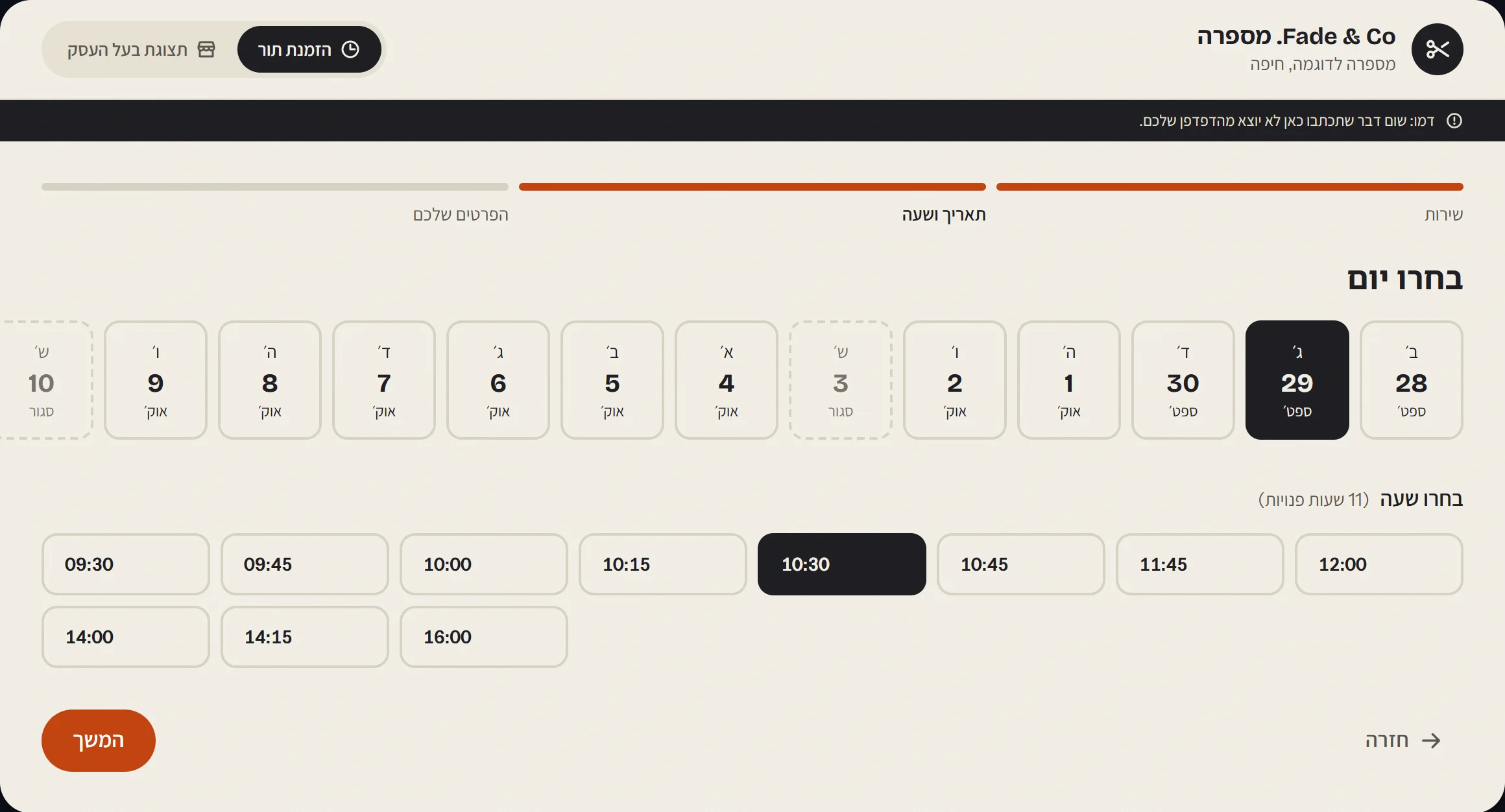
An online booking system for a small business, shown here for a made-up barbershop. Customers pick a service, a day and a free time; the owner sees the day's schedule.
Want something like this for your business?
Tell me what you need and I'll get back to you with next steps.